
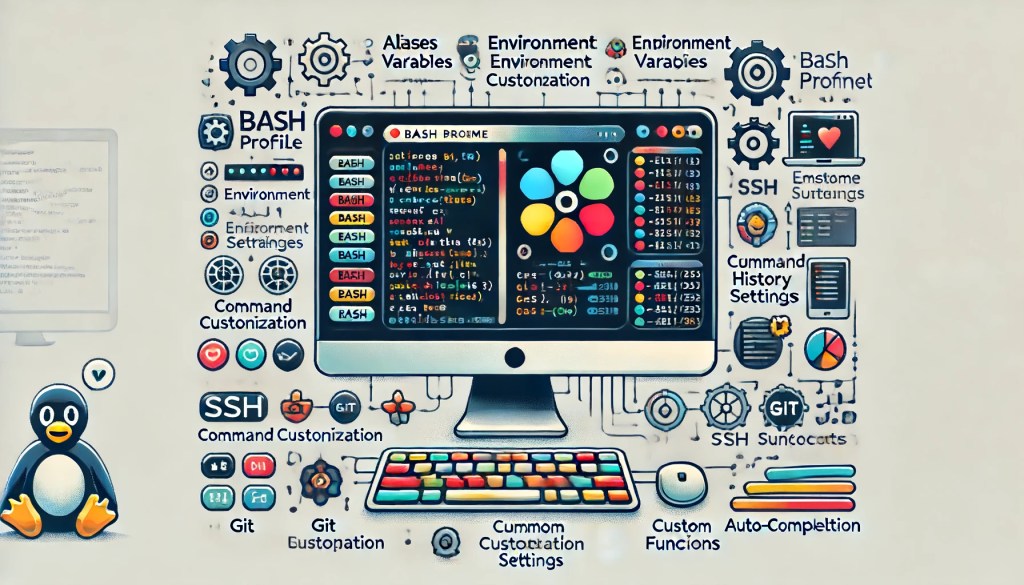
When it comes to optimizing your workflow as a developer, having a well-configured .bash_profile can make a world of difference. Bash profiles allow you to customize your terminal environment, streamline your commands, and enhance productivity. Here are the top 10 best bash profile configurations that can help you work more efficiently:
1. Custom Aliases
Aliases are shortcuts for longer commands, saving you keystrokes and time. Here are some useful ones:
# Update system
alias update='sudo apt-get update && sudo apt-get upgrade'

# Clear terminal
alias cls='clear'

# List directory contents with details
alias ll='ls -alF'
2. Environment Variables
Setting environment variables in your .bash_profile can simplify command-line tasks and scripts. Common ones include:
# Java Home
export JAVA_HOME=/usr/lib/jvm/java-11-openjdk-amd64

# Add custom bin to PATH
export PATH=$PATH:$HOME/bin
3. Prompt Customization
A customized prompt can provide valuable information at a glance. Here’s a colorful example:
# Colorful prompt with current directory
PS1='\[\033[01;32m\]\u@\h \[\033[01;34m\]\w \$\[\033[00m\] '
4. Command History Settings
Fine-tuning your command history settings can improve efficiency:
# Unlimited history file size
export HISTFILESIZE=

# Append to history file, don't overwrite
shopt -s histappend

# Ignore duplicate entries
export HISTCONTROL=ignoredups
5. Enhanced Navigation
Simplify navigation with custom functions and shortcuts:
# Go up N directories
up() {
  local d=""
  limit=$1
  for ((i=1 ; i <= limit ; i++))
  do
    d=$d/..
  done
  d=$(echo $d | sed 's/^\///')
  if [ -z "$d" ]; then
    d=..
  fi
  cd $d
}
alias ..='cd ..'
alias ...='cd ../..'
6. Git Integration
Integrate Git into your prompt and define useful Git aliases:
# Show Git branch in prompt
parse_git_branch() {
  git branch 2>/dev/null | grep '\*' | sed 's/* //'
}
PS1='\u@\h \w$(parse_git_branch)\$ '

# Git aliases
alias gs='git status'
alias gp='git pull'
alias gc='git commit -m'
7. SSH Shortcuts
Save time on SSH connections by defining shortcuts:
# SSH to favorite server
alias sshmyserver='ssh user@myserver.com'

# Use specific key for SSH
alias sshwithkey='ssh -i ~/.ssh/my_key user@myserver.com'
8. Custom Functions
Define custom functions for repetitive tasks:
# Create a new directory and navigate into it
mkcd() {
  mkdir -p "$1"
  cd "$1"
}

# Search for a pattern in files
search() {
  grep -rnw . -e "$1"
}
9. Auto-Completion
Enable auto-completion to speed up command entry:
# Enable programmable completion features
if [ -f /etc/bash_completion ]; then
  . /etc/bash_completion
fi

# Custom completion for aliases
complete -cf sudo
complete -cf man
10. Path Management
Ensure your PATH variable is well-organized:
# Add commonly used directories to PATH
export PATH=$HOME/bin:$HOME/.local/bin:/usr/local/sbin:/usr/local/bin:/usr/sbin:/usr/bin:/sbin:/bin:$PATH
Conclusion
Configuring your .bash_profile is a powerful way to optimize your terminal environment. By implementing these top 10 configurations, you can enhance your productivity, streamline your workflows, and make your command-line experience more enjoyable. Happy coding!
📚 Further Reading & Related Topics
If you’re exploring Bash profile configurations for enhanced productivity, these related articles will provide deeper insights:
• Mastering Shell Scripting for Developers: Essential Tips and Techniques – Learn advanced shell scripting techniques to automate tasks, improve workflows, and optimize productivity in development environments.
• Optimizing Your Development Environment with Docker and VSCode – Discover how configuring Docker alongside your bash profile can create a more efficient and seamless development environment for Java and other programming languages.








 Scalable Human Blog
Leave a comment