
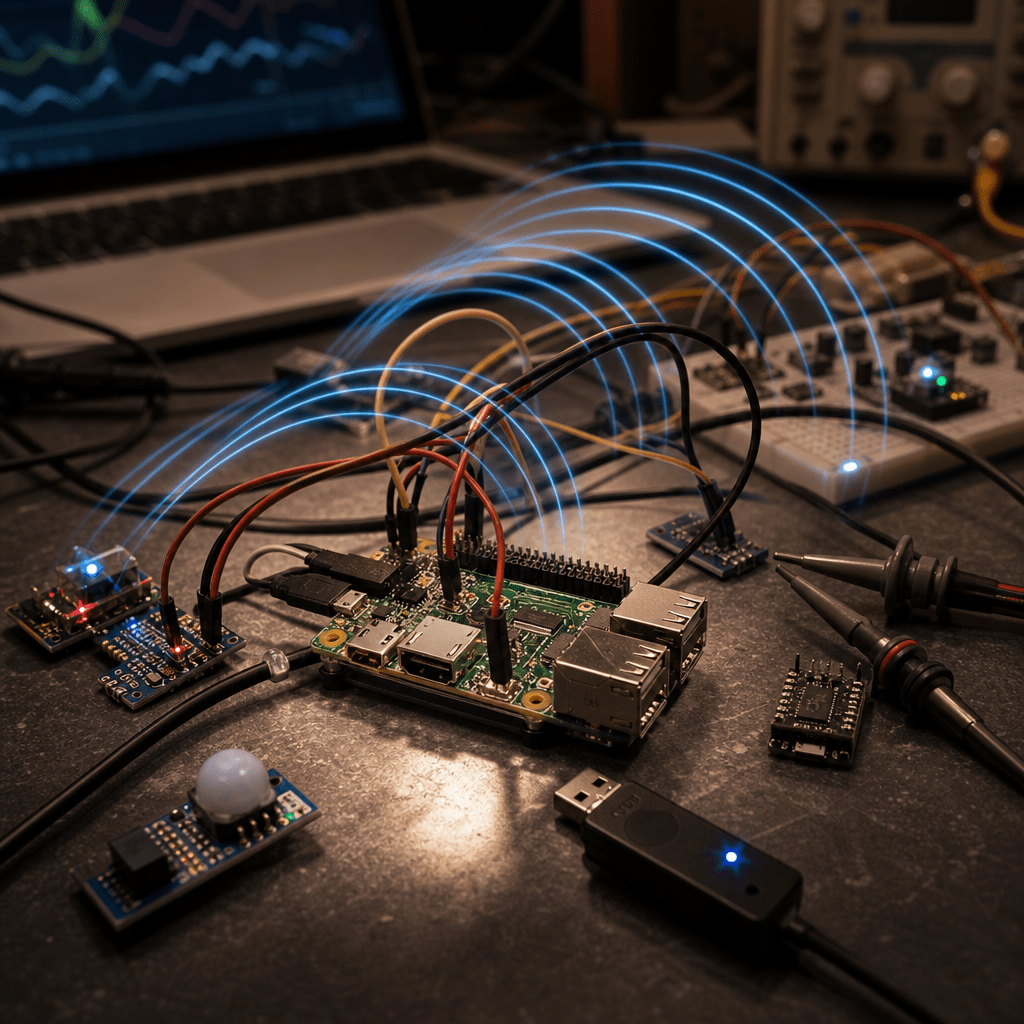
TL;DR: The blinds were not failing because the Raspberry Pi was simply “too busy.” The real problem was concurrent BLE commands colliding at the Bluetooth stack, leaving BlueZ in an unreliable state until a reboot cleared it.
I thought I was chasing a general performance problem.
The Raspberry Pi had picked up more work. Solar collection, dashboards, HomeKit flows, and background services were all running together. So when the BLE blinds started failing, the first theory was obvious: the Pi must be overloaded (its a poor dinky Raspberry Pi 3!?).
But the logs told a different story.
The bug looked like a slow Raspberry Pi problem, but it was really a concurrency problem at the Bluetooth boundary.
What Actually Happened
The timing logs showed several blind commands launching almost at the same time:
lounge target_percent 73
lounge target_percent 55
kitchen target_percent 5
kitchen target_percent 80
That meant Node RED was starting multiple Python BLE scripts in parallel.
This matters because the Node RED exec node is designed to run external commands from a flow. The FlowFuse guide to the Node RED exec node explains how it can invoke command line processes and return their output to the flow.
That is powerful, but it also means every incoming message can become a new process unless you deliberately control it.
In this case, each process tried to talk to a BLE blind through Bleak, D Bus, BlueZ, and finally the Raspberry Pi Bluetooth adapter.
The stack looked like this:
HomeKit
to Homebridge or Node RED
to Python
to Bleak
to D Bus
to BlueZ
to Bluetooth adapter
to BLE blind
Each layer looked reasonable on its own. Together, they created overlapping BLE connection attempts.
The Smoking Gun
The logs showed errors like:
Operation already in progress
br connection canceled
failed to discover services, device disconnected
device not found
Those are strong signs of BLE connection contention.
The Bluetooth adapter was being asked to start a new connection or service discovery while another one was still in progress. On a small Linux device, that is a good way to make BLE unreliable fast.
Bleak on Linux uses BlueZ under the hood, as described in the Bleak Linux backend documentation. So even though the code was written in Python, the real work was happening through the Linux Bluetooth stack.
That distinction matters. The Python script was not just opening a simple socket. It was asking a stateful radio stack to connect, discover services, write data, and disconnect cleanly.
BLE does not behave like HTTP.
Why It Felt Like General Slowness
At first, the failure looked like classic Raspberry Pi overload.
There were real performance issues nearby:
- Swap usage was high
- One energy collector was doing too much work
- The dashboard had added more background load
- Several services were competing for limited resources
Fixing those things helped the Pi overall.
But the blinds still failed.
The key clue was timing. The delay matched the BLE script retry behavior. A failed command could sit there for 30 to 40 seconds because the script had long connect and write timeouts, plus retries.
So the user experience was:
- Tap blind control
- Nothing happens
- Wait
- Try again
- More commands pile up
- Bluetooth gets worse
- Reboot seems to magically fix it
But the reboot was not magic.
Why Rebooting Fixed It
A reboot reset the Bluetooth state.
It cleared:
- The Linux Bluetooth service state
- Pending D Bus operations
- Half open BLE connection attempts
- Controller state inside the adapter
- Any stale discovery or connection work
After the reboot, BlueZ and the adapter started clean again. The blinds worked because the old contention and stale state had been wiped away.
That made the reboot look like the fix, but it was really just clearing the damage caused by earlier overlapping commands.
The Root Cause Was a Chain
There was not one single bug. It was a chain reaction:
- HomeKit and Node RED could emit more than one blind command quickly
- Node RED launched separate Python processes for each command
- Each Python process tried to use BLE independently
- BlueZ did not handle overlapping connection attempts well
- Failed attempts left the Bluetooth stack wedged or unreliable
- Rebooting reset the Bluetooth stack and restored normal behavior
The important part is step 4.
The Pi was not failing because it could not run Python. It was failing because the BLE path needed coordination.
What We Changed
The fix was to add guardrails around BLE access.
Shorter BLE Timeouts
Long timeouts made every failed command more expensive.
If one connection attempt could hang for 30 to 40 seconds, then a few overlapping attempts could create a backlog very quickly.
Shorter timeouts made failure faster and easier to recover from.
Better Timing Logs
We added logs around each important phase:
- Command start
- Lock wait
- Lock acquired
- Connect start
- Connect success
- Write start
- Write success
- Disconnect
- Retry
- Final failure
This turned vague “it feels slow” debugging into a timeline.
That timeline made the pattern obvious: commands were overlapping before the Bluetooth stack had finished the previous one.
A Shared File Lock
The biggest change was adding a shared lock:
/tmp/blind ble command.lock
Only one blind command can hold that lock at a time.
So even if HomeKit or Node RED sends multiple blind updates quickly, the Python BLE scripts line up and take turns.
That simple rule changed the behavior from chaotic to predictable.
Why Serialization Works
BLE automation on a Raspberry Pi often needs one simple rule:
One adapter. One active connection attempt. One command at a time.
That may feel overly cautious if you are used to web services. With HTTP, firing several requests in parallel is normal. With BLE, especially through BlueZ on small hardware, parallel connection attempts can be fragile.
Serializing access does not make BLE faster in theory, but it makes it much more reliable in practice.
And for blinds, reliability matters more than shaving off a second.
A Better Long Term Pattern
Spawning a fresh Python process for every command can work for small setups. But as the system grows, a persistent worker is cleaner.
A more robust architecture would be:
- Node RED sends blind requests into a queue
- A single BLE worker reads one request at a time
- The worker owns all Bluetooth access
- Commands have short timeouts
- Results are logged and reported back
That avoids multiple independent processes fighting over the same adapter.
It also gives you one place to handle retries, cooldowns, failures, and adapter resets if needed.
Key Takeaways
- Serialize BLE access with a lock or queue so only one command uses the adapter at a time
- Avoid launching multiple BLE scripts in parallel from Node RED or HomeKit flows
- Keep BLE timeouts short so failed commands do not block the system for 30 to 40 seconds
- Log every phase of the BLE lifecycle so timing problems become visible
- Treat “Operation already in progress” as a contention signal, not just a random Bluetooth error
- Consider a USB Bluetooth adapter if the onboard Raspberry Pi radio remains unreliable
- Use a persistent BLE worker for serious automation instead of spawning a new process per command
Conclusion
This was a useful reminder that smart home failures can hide at the boundary between layers.
The dashboard load was real. The Pi had some tuning to do. But the blind failures came from overlapping BLE commands, not simple CPU pressure.
Once the BLE path was serialized, the system became much more predictable.
If you are controlling BLE devices from a Raspberry Pi, do not treat commands like ordinary web requests. Put a lock or queue in front of the Bluetooth adapter, keep timeouts tight, and log the full lifecycle.
It may feel boring, but boring is exactly what you want from your blinds.
📚 Further Reading & Related Topics
If you’re exploring concurrent BLE command handling on Raspberry Pi, these related articles will provide deeper insights:
• Cracking the Code: Solving the Producer Consumer Problem in Java : Explains a classic concurrency pattern that maps well to BLE command queues, where commands can be produced by multiple parts of an app but processed safely one at a time.
• Distributed Data Intensive Systems: The Happened Before Relationship and Concurrency : Useful for understanding why command ordering matters when dealing with asynchronous BLE operations and avoiding race conditions.
• Threads in Java: The Difference Between Calling Start and Run Methods : Provides a foundational look at thread execution, which is helpful when reasoning about concurrent tasks, background workers, and command execution flow.





Leave a Reply