
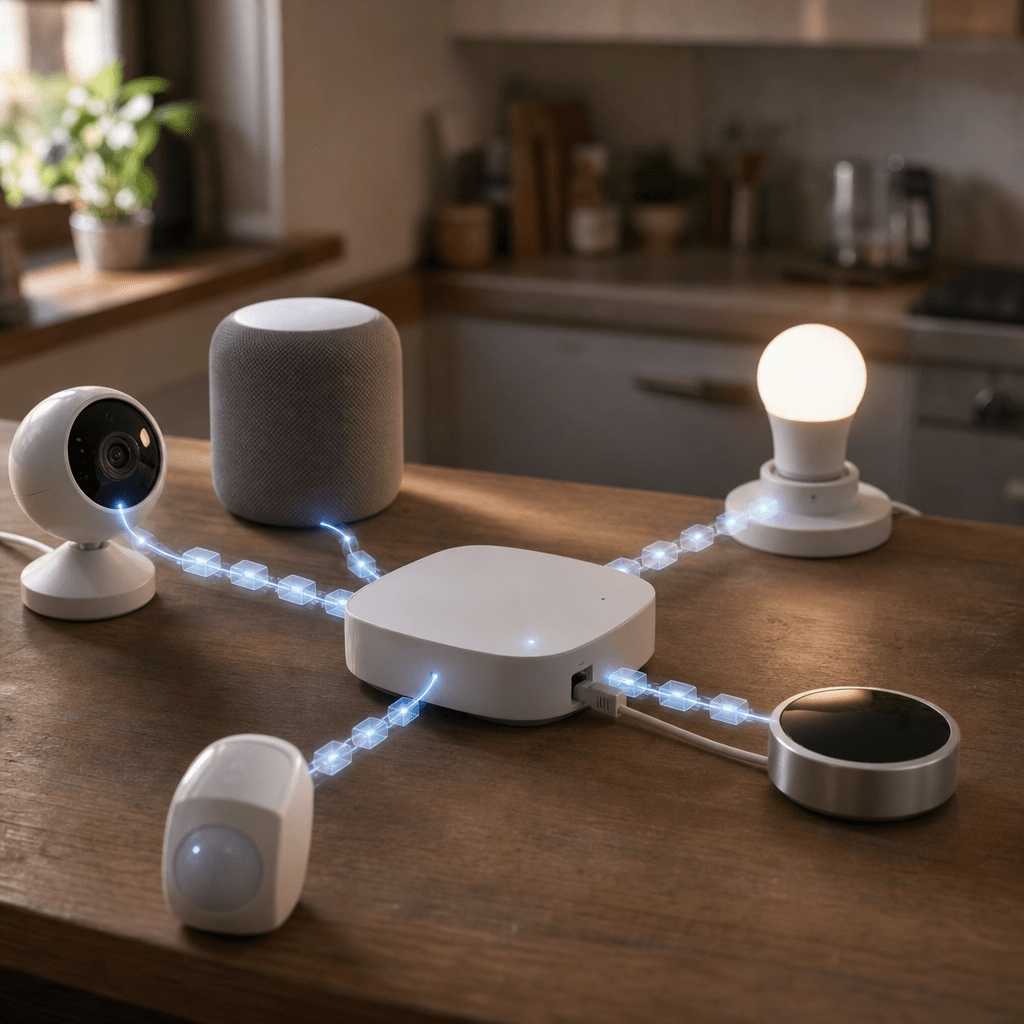
TL;DR: The fix for my flaky Bluetooth blinds was not another retry or a random percentage tweak. It was a proper command queue that debounced noisy updates, serialized BLE access, and treated the Raspberry Pi Bluetooth adapter as a shared resource.
A couple of weeks ago, I thought I had fixed my smart blinds.
The first fix added guardrails around BLE access so concurrent commands would not collide quite so badly at the Bluetooth stack. It helped, but it did not solve the deeper issue.
The real problem was not that the blinds needed more retries.
It was that my smart home was sending commands faster than the BLE path could safely handle them.
The setup looked simple enough
The flow was straightforward:
HomeKit
→ Node RED
→ Python scripts
→ Bleak
→ BlueZ and D Bus
→ Raspberry Pi Bluetooth adapter
→ BLE blinds
Each blind had a Python script. The script connected to the blind, wrote the target position, disconnected, and exited.
When everything was calm, it worked.
But smart homes are rarely calm.
HomeKit can emit multiple updates quickly. Sliders can generate several position changes. Node RED flows can fire more than once. Old exec nodes can sit forgotten in the background. And if the lounge and kitchen blinds are controlled close together, both can try to use the same Bluetooth adapter at almost the same time.
That is where the system started to wobble.
The failure was not obvious
The frustrating part was that nothing looked completely broken.
HomeKit sent the command.
Node RED received it.
The Python script started.
The blinds were still advertising.
Bluetooth scans could still see them.
But when the script tried to connect over GATT, it would hang and eventually time out.
The logs kept showing the same kind of pattern:
connect_start
TimeoutError
Then another command would arrive. Then another. Some would wait. Some would fail. Sometimes the Pi became sluggish. Sometimes the blinds stopped responding until I restarted Bluetooth or rebooted the Raspberry Pi.
A reboot always seemed to fix it.
But only for a while.
That was the clue. The blinds had not vanished. The Pi had not forgotten them. The devices were still there.
The connection path was getting wedged.
The tempting fix was the wrong one
At one point, I considered nudging the blind percentage.
If HomeKit wanted 80 percent, maybe I could send 83 percent instead. Maybe the blind or HomeKit thought nothing had changed. Maybe a slightly different target would force a fresh command.
That might have helped one narrow case: repeated commands for the same state.
But it would not have fixed the real issue.
The problem was not that the blind needed a more interesting number.
The problem was that too many BLE connection attempts were being pushed through a fragile path.
A random offset would have been a plaster over the symptom.
What I needed was a queue.
The fix was to serialize everything
The new shape of the system became:
HomeKit
→ Node RED
→ single blind command queue
→ one BLE command at a time
→ hci0
→ blinds
That queue now sits in front of all blind commands.
Not some of them.
All of them.
That detail matters. If one forgotten Node RED exec node can still call a raw BLE script directly, the queue can be bypassed and the old problem can come straight back.
So the rule became simple:
No blind command calls the raw BLE scripts directly from Node RED. Everything goes through the queue.
What the queue actually does
The queue is not complicated, but it changes the behaviour of the whole system.
It debounces rapid updates
If HomeKit sends several position updates in quick succession, the queue waits briefly and keeps only the latest useful target.
So this:
70 percent
72 percent
75 percent
80 percent
becomes this:
80 percent
That is much better for blinds. If I drag a slider from closed to mostly open, I do not need the blind to visit every intermediate value. I just need it to end up in the right place.
It runs one BLE command at a time
This was the most important change.
The lounge blind and kitchen blind now share the same serialized path. Even if they are triggered together, only one operation is allowed to use the Bluetooth adapter at a time.
This is similar in spirit to the way Home Assistant automation modes distinguish between single, restart, queued, and parallel execution. For fragile hardware paths, parallel can be the worst possible shape. A queued model is often safer because actions run in order instead of piling on top of each other.
Even though my setup uses Node RED rather than Home Assistant automations, the idea is the same:
Some automations should not run in parallel just because they can.
It stops discovery before connecting
BLE scanning and BLE connecting through the same adapter can produce strange behaviour, especially on a small Raspberry Pi.
Bleak gives explicit scanner controls such as start and stop in its Bleak scanner API, which is a useful reminder that scanning is not just background magic. It is part of the Bluetooth workload.
So before attempting the GATT connection, the wrapper makes sure discovery is stopped.
That small step reduces one more source of adapter contention.
It keeps the working BLE scripts
I did not throw away the code that already knew how to talk to each blind.
The low level scripts still connect, write the target, disconnect, and log their timing.
The queue simply wraps them with better orchestration.
That separation is useful. The blind scripts handle device communication. The queue handles traffic control.
It adds a cooldown after success
After a successful command, the queue waits before allowing the next BLE command.
At first, this felt overly cautious.
But blinds are not latency critical. I do not care if the second blind waits a few seconds. I care that it moves reliably when I press the button.
BLE needs patience.
It retries only after recovery
If the low level script fails with a connection timeout, the wrapper performs a soft reset of the Bluetooth adapter:
hciconfig hci0 down
sleep 2
hciconfig hci0 up
sleep 5
Then it retries once.
The important part is that this is not the normal control path. It is a recovery path.
Retries can make this kind of issue worse if they are uncontrolled. A retry storm is still a command storm.
The hidden Node RED problem
One of the most annoying parts of the fix was cleaning up old flows.
It was not enough to update the main HomeKit position path. I also had older exec nodes that could still call the raw blind scripts.
Some were for open.
Some were for close.
Some were for stop.
Some were for percentage position.
Any one of those could bypass the queue and recreate the same failure pattern.
That is the kind of bug that makes home automation feel haunted. You fix the main path, test it, and everything looks good. Then a forgotten button or old flow hammers the Bluetooth adapter directly.
The architecture only became reliable once every command used the same queue.
Why this helped the Raspberry Pi too
The Raspberry Pi 3 can do a lot, but it is still a small board running many jobs.
Mine handles Node RED, HomeKit automation, dashboards, energy monitoring, background collectors, and now BLE blinds.
When multiple blind commands arrived together, the issue was not only that the blinds became unreliable. The Pi also felt worse because processes were waiting, timing out, retrying, and competing for the same Bluetooth path.
The queue reduced pointless work.
Instead of turning every stale HomeKit update into a Python process and BLE connection attempt, it collapses noise into intent.
That is the key difference.
The old system executed commands.
The new system understands which command still matters.
The result
After adding the queue, the system became boring in the best possible way.
The blinds no longer fight each other for the adapter.
HomeKit can emit quick updates without overwhelming BLE.
Old Node RED paths no longer bypass the main flow.
The queue logs show what was received, what was collapsed, what ran, and what waited.
The BLE logs still show connection timing, writes, disconnects, and timeouts.
That split makes debugging much clearer. I can now tell whether the problem is command orchestration or the actual BLE connection.
The real fix was not:
Try again harder.
It was:
Stop letting everything try at once.
Key Takeaways
- Treat BLE as a scarce shared resource, especially on a Raspberry Pi.
- Put one queue in front of fragile device commands so old flows and quick updates cannot bypass it.
- Debounce rapid smart home updates and keep only the latest useful target.
- Avoid uncontrolled retries because they can turn one failure into a command storm.
- Separate queue logs from BLE logs so you can see whether the problem is orchestration or connection handling.
Conclusion
This was a useful reminder that “Bluetooth is flaky” is not always the full diagnosis.
Sometimes Bluetooth looks flaky because the system around it is asking too much, too quickly, with too little coordination.
The first fix made the BLE scripts safer.
The second fix made the whole command path safer.
That was the real improvement.
The smart home fix was not a random offset. It was not another blind retry.
It was a queue.
📚 Further Reading & Related Topics
If you’re exploring smart home troubleshooting and queue based reliability, these related articles will provide deeper insights:
• To Message or REST: Understanding Kafka, RabbitMQ, and RESTful APIs: This directly complements the queue versus retry theme by explaining when messaging systems are better suited than synchronous API calls. It helps frame why a queue can smooth failures and prevent repeated overload.
• Spring Boot and Messaging Systems: Integrating with RabbitMQ and Kafka: If the smart home fix involved introducing a message queue, this article gives practical context on implementing messaging with RabbitMQ or Kafka. It is especially relevant for understanding durable, asynchronous processing.
• Cracking the Code: Solving the Producer Consumer Problem in Java: Queue based fixes often map closely to producer consumer patterns, where events are buffered and processed safely. This article helps explain the concurrency model behind using a queue instead of repeated retries.





Leave a comment